

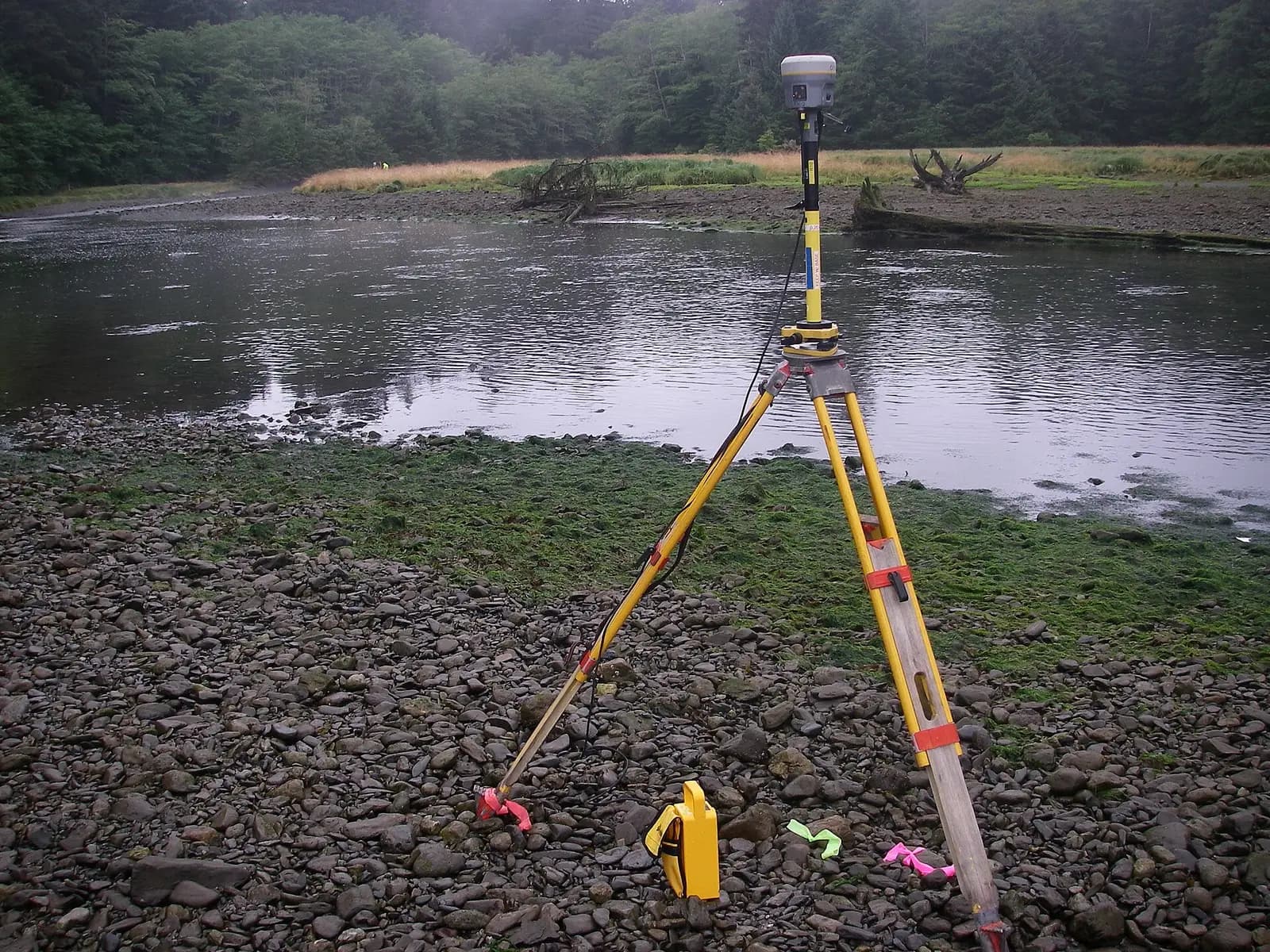
GNSS/GPS Data Correction & Post-Processing
Understand the error budget, pick the right technique, and deliver centimeter-grade coordinates backed by QC reports.
A specialist course that turns raw GNSS observations into trusted final coordinates: from constellation fundamentals and the error budget, through DGPS, RTK, and PPK techniques, to static post-processing, network adjustment, and transformation into Egyptian datums — taught the way engineers who actually submit these reports do it.
By the numbers
- 6
- Training modules
- 23
- Hands-on topics
- 3
- Software covered
- 2
- Training languages (ar/en)
What you’ll learn
- Read the error budget: ionosphere, troposphere, multipath, and DOP values and their accuracy impact
- Choose correctly between DGPS, RTK, network RTK, PPK, and static observation per project
- Plan static sessions, process baselines, and adjust the network
- Produce processing and QC reports acceptable in official submittals
- Transform correctly between WGS84/ITRF and Egyptian datums (ETM belts) avoiding the classic pitfalls
- Verify accuracy against independent checkpoints and document the results
The syllabus, module by module
Module 1 — Modern GNSS fundamentals
- The four constellations: GPS, GLONASS, Galileo, BeiDou — and what they actually add
- Signal structure: L1/L2/L5 frequencies and code vs. carrier-phase measurements
- Positioning modes: absolute, differential, relative — and each mode’s realistic accuracy
Module 2 — Error sources & the accuracy budget
- Ionospheric and tropospheric effects and how dual-frequency and differencing cancel them
- Multipath, phase-center error, and antenna-height blunders
- DOP values, satellite geometry, and observation-window planning
- Ambiguity resolution: what Fixed and Float mean — and when not to trust a Fixed
Module 3 — Differential techniques: DGPS, RTK, PPK
- Code DGPS vs. carrier-phase techniques: the limits of each
- RTK and network RTK: base/rover, comms links, and long-baseline caveats
- PPK: when it beats RTK (no-coverage areas, drone flights)
- A technique-selection matrix by required accuracy, site, and budget
Module 4 — Static post-processing
- Control-network planning: baselines, independence, and session durations
- Step-by-step processing in Trimble Business Center and Leica Infinity
- Processing with free RTKLIB: RINEX files, precise ephemerides, and the critical settings
- Network adjustment and reading the report: residuals and confidence ellipses
Module 5 — Datums & projections for Egypt
- WGS84 vs. ITRF and the difference too many ignore
- The Egypt 1907 datum and the three ETM belts (Red/Blue/Purple): when each applies
- Transformation parameters, their common failure modes, and verifying on known points
- Hands-on with the free coordinate converter on our site, then verification inside the processing suites
Module 6 — QC & deliverables
- Independent verification: checkpoints, re-observation, and solution comparison
- Building a complete processing/QC report fit for authorities and consultants
- Delivery formats: coordinate schedules, CSV/DWG files, and raw-data archiving
- Capstone: process a real observation network from our data and produce its report
Who this course is for
- Surveyors using GNSS receivers who want to understand what happens behind the "Fixed" indicator
- Office engineers who receive raw data and must produce adjustment and accuracy reports
- Professionals on projects requiring high-accuracy control networks (roads, rail, utilities)
- Surveying and geomatics graduates targeting an in-demand, under-supplied specialty
Software covered
Prerequisites
- Basic field experience with any survey-grade GNSS/GPS receiver
- Familiarity with surveying fundamentals (coordinates, levels, datums)
- A laptop — we work on commercial trial software and on the free, open-source RTKLIB
Certificate
A GeoGiza certificate of completion, issued after the capstone project and signed by the lead instructor.
Course FAQs
I use RTK daily — what will this course add?
You’ll learn when the Fixed indicator lies, how to verify your accuracy in a documented way, and how to process static observations and adjust networks — the skill that separates an operator from a control-survey engineer.
Do I need my own GNSS receiver?
No. The field session runs on our own fleet receivers, and processing uses real datasets we provide.
Is free software enough for professional work?
RTKLIB is capable of rigorous processing when configured correctly — and we teach that. But the market also expects fluency in the commercial suites, so we cover both.
How does this relate to your actual work?
The syllabus is lifted from the workflow we run on our own control-network projects, and the exercises use real observation data from our work.
Register interest in this course
Leave your details and we will reach out with the next cohort’s dates and details.
Complete your training path
Autodesk Civil 3D for Surveying & Infrastructure
From the field point to a complete deliverable sheet — the real workflow our engineers run on live projects every day.
Syllabus & detailsGeometric Road Design
The engineering behind every curve and grade: from design standards to review-ready plan/profile sheets.
Syllabus & detailsOur guarantees to you
We take the risk off your project — so you can commit with confidence.
Accuracy guarantee
If a deliverable misses the agreed accuracy spec, we re-survey and correct it at no extra cost.
On-time commitment
We agree the delivery schedule up front and keep you updated at every stage until it's met.
Full confidentiality
Every engagement is covered by an NDA. Your data and drawings are never shared.
You own the files
You receive the editable source files (DWG, DXF and more) — full ownership, no lock-in.