

The drawing on the wall is a fiction
Walk into almost any existing facility with the original drawings in hand and you will find the same thing we find: the building has moved on without telling anyone. A wall got furred out, a riser was rerouted, a mezzanine appeared, a door was bricked up. The drawings are a record of intent from decades ago, not a record of reality today. Scan-to-BIM exists to fix that — to replace the fiction with a measured, coordinated model of what is actually standing.
On our facility-documentation jobs we treat this as two distinct disciplines bolted together: a precise field survey that produces a registered point cloud, and a modelling job that turns that cloud into a clean IFC model. Confuse the two and you get a beautiful cloud floating in the wrong place, or a tidy model that quietly invents geometry the scanner never saw. This is how we keep them honest.
The fleet behind the deliverable
- 90
- instruments in the fleet
- Total stations, GNSS, scanners, drones — one coordinate frame across all of them.
- 1,000+
- survey projects delivered
- As-built and documentation work across roads, rail, power and facilities.
- 2,500+
- clients served
- From owners and contractors to designers needing a true base to design on.
Control first, scans second
The single biggest mistake we see in scan-to-BIM is starting with the scanner. We start with survey control. Before the first scan, our crew establishes a control network around and through the facility — points we have positioned in the project's real coordinate system. Every scan setup is then tied back to that frame, not just stitched to the scan beside it.
Why bother, when modern scanners register cloud-to-cloud almost automatically? Because cloud-to-cloud only makes the scans agree with each other. It does nothing to anchor them to the world. On a large multi-storey facility, tiny per-scan errors compound, and a model that looks razor-sharp internally can sit a couple of metres off the real building's position. Constraining the registration to known control kills that drift and puts the deliverable on the same grid as the cadastre and any new design — which is the whole point of documenting a facility you intend to renovate.
How we run a scan-to-BIM job
- 1
Scope the LOD and the IFC schema with the client up front — which disciplines, what level of development, and the target coordinate system — so the field plan matches the deliverable.
- 2
Establish survey control: set and coordinate a network of stations in the project's real coordinate frame, with targets distributed so every future scan can see enough of them.
- 3
Plan the scan stations for full coverage and overlap — corners, stair cores, plant rooms, ceiling voids — so there are no shadows behind equipment or in tight risers.
- 4
Scan the facility with the terrestrial laser scanner, capturing every setup with the survey targets in view to constrain registration to control.
- 5
Register and clean the point cloud: constrain to control, remove people and transient clutter, and check residuals before signing off the cloud as the as-built record.
- 6
Model element by element from the cloud to the agreed LOD — structure, architecture, then visible MEP — slicing the cloud as the ground truth for every wall, slab and run.
- 7
Export and coordinate the IFC, run a clash and completeness check against the cloud, and hand over both the open IFC model and the registered point cloud.
What each Level of Development actually means here
| LOD | What the model commits to | Honest source | Typical use |
|---|---|---|---|
| LOD 200 | Approximate size, shape and location of elements | Directly from the registered cloud | Feasibility, space planning, early renovation studies |
| LOD 300 | Accurate geometry, dimensions and position of real elements | Measured off the cloud, element by element | Design on a true base, coordination, area schedules |
| LOD 350 | LOD 300 plus connections and interfaces between systems | Cloud where visible; flagged assumption where concealed | MEP coordination, clash detection, retrofit design |
| LOD 400 | Fabrication and assembly detail | NOT from scan alone — needs fabrication data | Not promised from a scan; out of scan-to-BIM scope |
LOD describes the model, not the cloud. The scanner captures geometry richly, but it cannot see inside a wall — so anything beyond what it saw is interpretation, and we label it. · LOD bands are an industry convention; openBIM/IFC deliverables follow the buildingSMART IFC schema.
Where the time goes on a scan-to-BIM job
Deliver in open IFC, not a locked black box
We hand over a coordinated IFC model alongside any native file. IFC is buildingSMART's open, vendor-neutral schema for openBIM, and georeferencing it correctly draws on OGC's geospatial standards so the model sits in the real coordinate system. That combination is what stops a facility owner from being locked to one software vendor for the entire life of the building — and what lets the model flow into asset and FM systems later.
From raw scanner to coordinated model
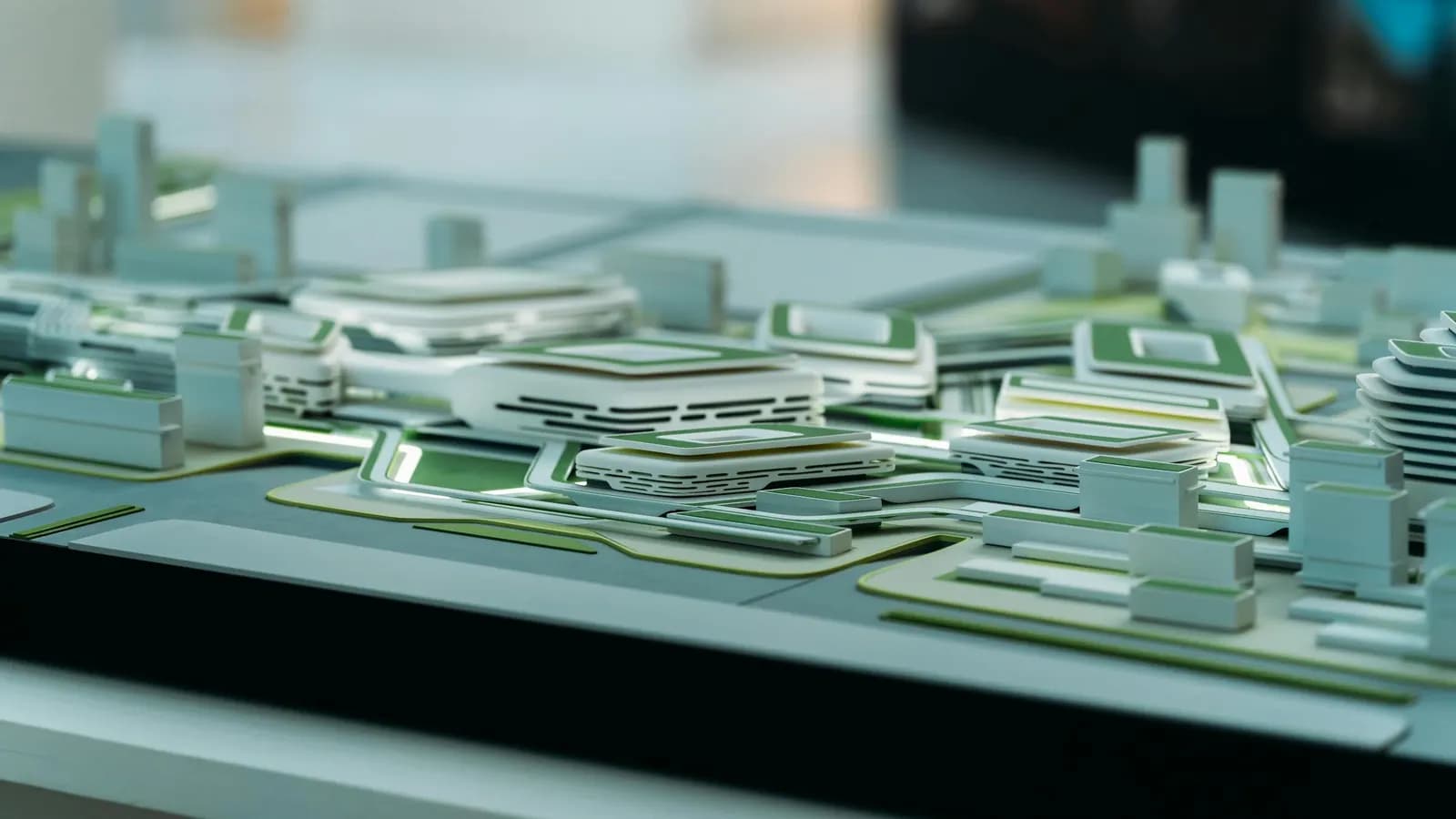 Coordinated BIM
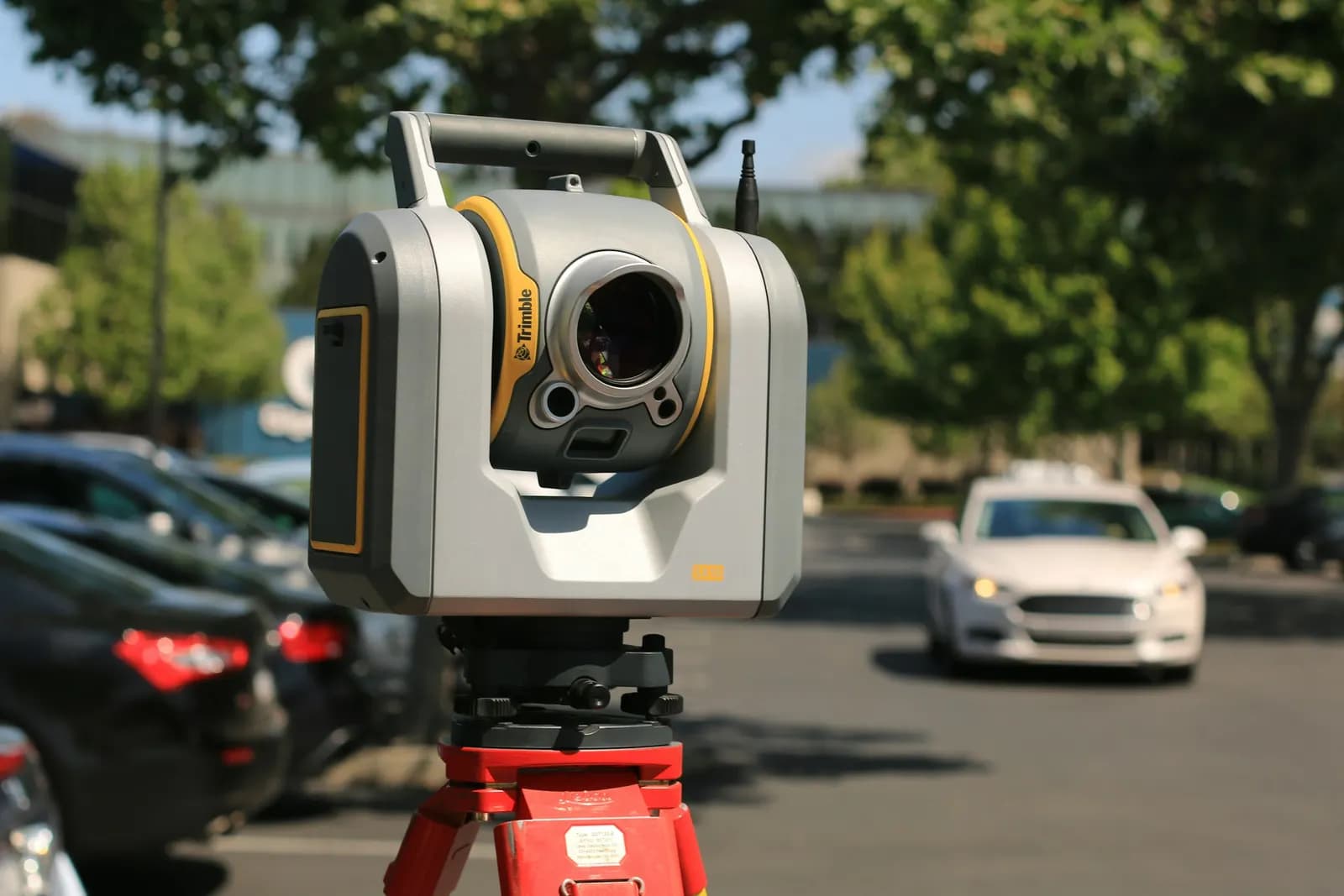 On site, scanning
Drag to compare: the scanner records reality, but the deliverable is the coordinated, queryable model built from it.
The scanners that capture the facility

Laser scanners
Terrestrial 3D laser scanning that captures dense point clouds for scan-to-BIM and as-builts.
such as Leica RTC360, FARO Focus
Representative laser-scanner class from the GeoGiza fleet. Photographs are illustrative of the instrument class.
Take it further
References
- IFC open standard for Building Information Modeling (BIM) and scan-to-BIM delivery — buildingSMART International
- Terrestrial 3D laser-scanner specifications (FARO Focus) — FARO Technologies
- Open geospatial standards for GIS data interoperability — Open Geospatial Consortium (OGC)